Gmail bulk sender guidelines for small outbound teams: what actually applies
Gmail bulk sender guidelines explained for small outbound teams: authenticate your domain, keep spam complaints low, honor stop requests and send at a steady pace.
Scouty ·
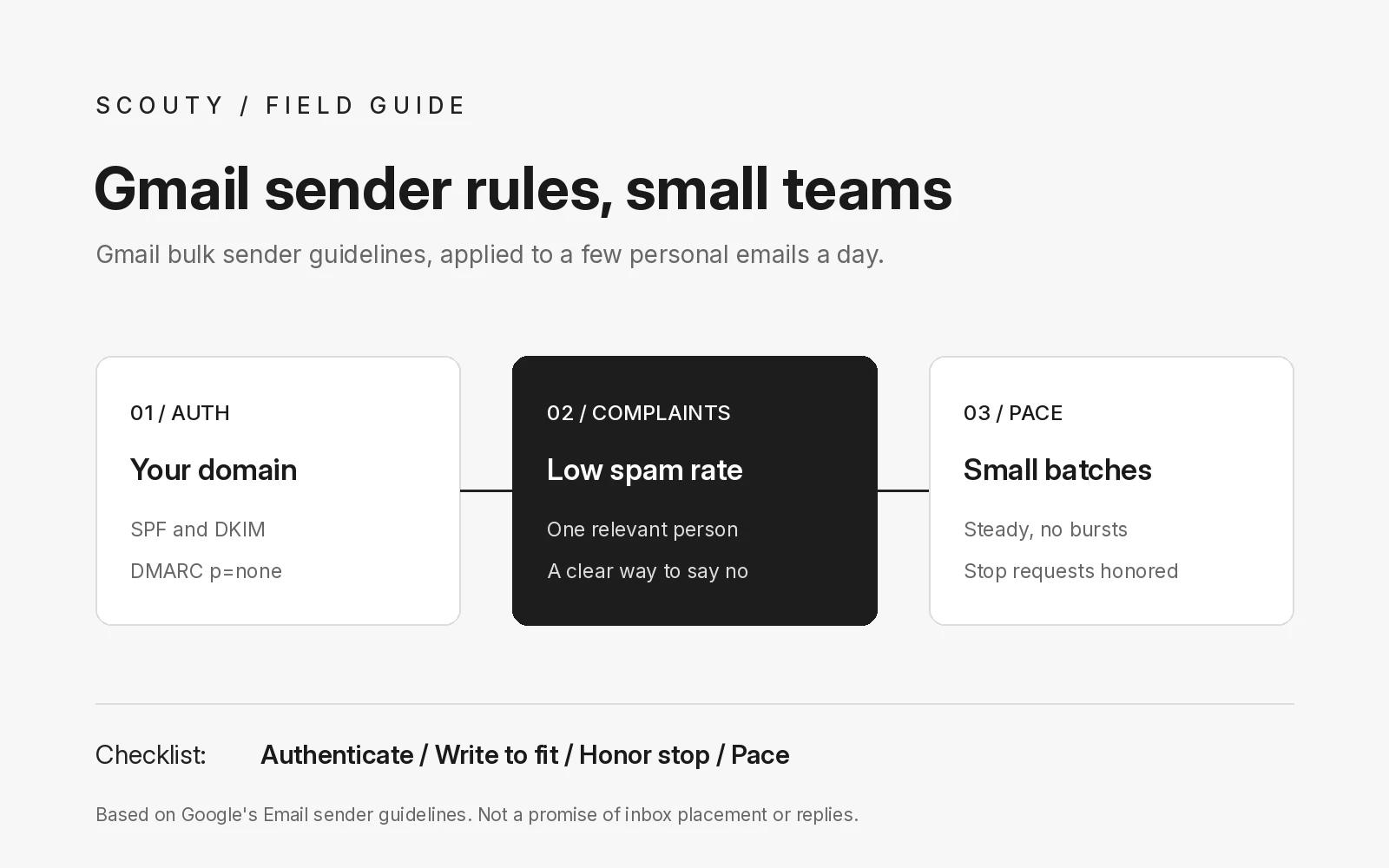
Gmail bulk sender guidelines are the rules Google sets for anyone sending email to personal Gmail accounts, and most of them apply to a small outbound team too. The short answer: authenticate your domain, keep spam complaints low, honor every request to stop, and send at a steady, modest pace. Below: what Google requires, what matters for a founder sending a few personal emails a day, and a checklist. It does not promise inbox placement, replies or meetings.
Google calls these its Email sender guidelines (they were previously called the bulk sender guidelines). Since February 1, 2024 every sender to personal Gmail accounts must meet a basic set of requirements, and senders of 5,000 or more messages a day must meet a stricter set. Google's FAQ also says that starting November 2025 it is ramping up enforcement, and messages that fail the requirements can be temporarily or permanently rejected.
1. Know which rules apply to you
Google splits its Email sender guidelines into two groups. The requirements for all senders apply to anyone writing to an address ending in @gmail.com or @googlemail.com. The extra requirements apply once you send 5,000 or more messages a day to personal Gmail accounts.
Two details from the sender guidelines FAQ are worth knowing. First, Google counts all messages from the same primary domain together, so mail from a subdomain counts toward your main domain. Second, a sender that meets the bulk criteria even once is permanently treated as a bulk sender.
The FAQ also says the requirements cover Google Workspace users when they send to personal Gmail accounts. So sending from a Workspace inbox does not exempt you.
2. Authenticate your sending domain
For all senders, Google requires SPF or DKIM authentication on your sending domain, valid forward and reverse DNS records for your sending domain or IP, a TLS connection, messages formatted to the RFC 5322 standard, and no impersonation of Gmail in your From header.
Bulk senders must go further: SPF and DKIM both, a DMARC record (a policy of none is accepted), and a From domain that aligns with the SPF or DKIM domain. Setting up all three early is the same work you would need later.
Quick check: send a test message to a Gmail address you own, open it, and use Show original. Gmail displays whether SPF, DKIM and DMARC passed.
3. Keep spam complaints low
Google asks all senders to keep the spam rate reported in Postmaster Tools below 0.3%. Its guidance goes further and recommends staying below 0.1% and never reaching 0.3% or higher. The FAQ explains that the spam rate is calculated daily and that bulk senders above 0.3% are not eligible for delivery support until their rate stays below 0.3% for 7 consecutive days.
For a small team, the practical lesson is simple: every person who marks your email as spam counts against you, and at low volume a few complaints move the rate a lot. The best protection is writing only to people with a clear, specific reason to hear from you: one relevant decision maker, not a whole team, with a short note like the cold email template a founder would reply to.
4. Make stopping easy and honor it fast
Bulk senders must support one-click unsubscribe for marketing and subscribed messages, using the List-Unsubscribe headers described in RFC 8058, and include a clearly visible unsubscribe link in the body. Google's FAQ says it recommends fulfilling unsubscribe requests within 48 hours, and lists unsubscribe requests not honored within 48 hours as a reason a bulk sender cannot get delivery support.
A founder sending personal one to one emails may not use a mailing list tool at all, but the spirit still applies. Tell people in plain words how to say no, and when someone says stop, stop: no more follow-ups, no new sequence later. Record the request so nobody on your team writes to that person again. Our post on follow-up emails that stop when they should covers how to build that into your sequence.
5. Send at a steady, modest pace
Google recommends sending at a consistent rate, avoiding bursts, starting with a low volume to engaged recipients and increasing slowly, and avoiding sudden spikes such as doubling your volume overnight. If messages start bouncing or being deferred, Google says to reduce volume until the error rate falls, then increase slowly again.
Workspace accounts also have their own Gmail sending limits. Google lists a daily limit of 2,000 messages per user account, notes that limits can change without notice, and says users who hit a limit cannot send new messages for up to 24 hours. A personal outbound routine should sit far below that. A weekly prospecting routine with small batches is easier on your domain than a big push once a quarter.
Clean addresses help here too. Sending to addresses that do not exist creates bounces, so check how each contact is labeled before it goes into a batch, as explained in our post on verified, unverified and catch-all email labels.
Gmail sender checklist for small teams
Copy this into a doc and tick each line before your next batch:
- SPF record published for my sending domain: yes / no
- DKIM signing turned on for my sending domain: yes / no
- DMARC record published (p=none is fine to start): yes / no
- Test email to my own Gmail shows SPF, DKIM and DMARC pass: yes / no
- From address uses my own domain, not a free Gmail address sent from another server: yes / no
- Each email names my business and gives a plain way to say no: yes / no
- Stop requests recorded in one place and honored within 48 hours: yes / no
- Batch size this week, kept steady and small: ...
- Bounced or invalid addresses removed after each batch: yes / no
- Where I check complaints, bounces and stop requests: ...
An illustration: Northgate Analytics
Example, fictional company: Northgate Analytics, a two person B2B software startup. Before its first outbound week, the founder publishes SPF, DKIM and a DMARC record with a policy of none, confirms all three pass with a test email to a personal Gmail address, and plans a small daily batch on weekdays rather than one large send. Each email names the company and ends with a line saying the reader can reply "no thanks" and will not hear from them again. When one recipient asks to stop, the founder marks the contact the same day and removes any planned follow-ups.
Northgate Analytics is an illustration, not a real company, a customer or a measured result.
Where Scouty fits
Scouty at scouty.to is built for founders and small B2B teams without an SDR. You paste your website, and Scouty builds a first list of matching companies and decision makers. Each email is labeled verified, unverified or unavailable, so you can decide which addresses belong in a batch. Scouty writes one personal email per person, and you review it before it is sent. Optional follow-ups wait at least three days, send on weekdays only, and stop when someone replies.
Scouty does not guarantee inbox placement, replies or meetings, and it does not replace your own domain setup or your responsibility to follow Google's rules and the email laws that apply to you. The Scouty FAQ covers how lists are built, email labels, follow-ups and meeting booking.
Questions about Gmail sender rules
Do Gmail bulk sender guidelines apply if I only send a few emails a day?
The requirements for all senders apply to every message sent to personal Gmail accounts, whatever the volume. The stricter bulk rules start at 5,000 or more messages a day to personal Gmail accounts from the same primary domain.
Do I need DMARC if I am not a bulk sender?
Google requires DMARC only for bulk senders, and accepts a policy of none. Setting it up early costs little and prepares you if your volume grows.
Is this legal advice?
No. This is not legal advice. Google's guidelines are a mailbox provider's rules, not laws. Commercial email laws differ by country and by recipient, so check the rules where your recipients are and get advice for your own situation.
Sources and next step
Primary sources, checked 20 November 2026: Google, Email sender guidelines, Google, Email sender guidelines FAQ and Google, Gmail sending limits in Google Workspace. Related reading on Scouty: follow-up emails that stop when they should, verified, unverified and catch-all email labels, lead generation for agencies without buying lists and a weekly founder led sales routine.
For product details, read the Scouty FAQ. To find companies and decision makers that match your offer, enter your website at scouty.to and review every email before it goes out.