Apollo alternatives for founders: how to choose without an SDR team
A buyer's worksheet for comparing Apollo alternatives as a founder without an SDR team: name the job, compare review and stop rules, and match pricing to how you send.
Scouty ·
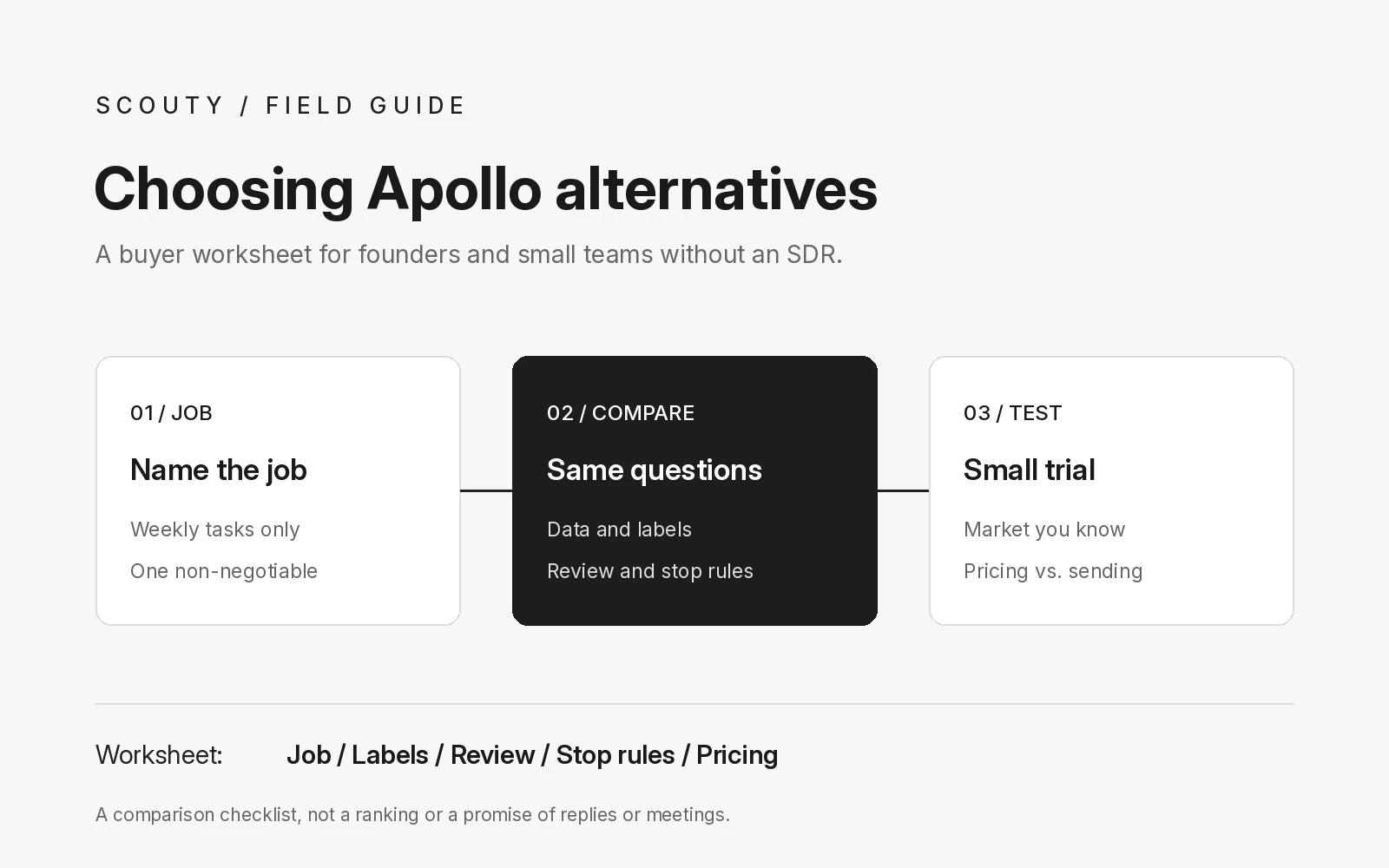
The best Apollo alternatives for a founder without an SDR team are not always the tools with the longest feature list. Start by writing down the job you actually need done each week, such as finding a short list of companies, checking which emails are usable, and sending a few reviewed personal emails, then compare tools against that job instead of against each other's marketing pages.
This guide is a buyer's checklist, not a ranking. Every statement about Apollo below comes from Apollo's own public pages, its homepage and pricing page, checked on 9 November 2026. Features and plans change, so confirm anything important on those pages before you decide. Nothing here is a promise of replies or meetings from any tool.
1. Write down the job before you compare Apollo alternatives
List the three or four tasks you want help with, and the ones you want to keep doing yourself. A founder selling to a niche may only need research and a reviewed first email.
Then add one constraint you will not trade away. For many small teams it is "I read every email before it goes out" or "I only pay when I actually send." A clear constraint narrows the field faster than any comparison grid. If you are still shaping the weekly rhythm itself, start with our founder-led sales weekly routine and come back to tools after.
2. Know what Apollo itself says it covers
A fair comparison starts with an accurate picture of the tool you are comparing against. On its homepage, Apollo describes itself as a connected go-to-market system. It lists a workspace for prospecting, outreach and dialing, more than 200 integrations, buying signals such as intent, job changes and website visits, and AI agents that research, build lists, write outreach, follow up and book meetings. It also lists deliverability features such as domain warming, inbox rotation and reputation monitoring, and states a database of 240M+ contacts and 30M+ accounts.
Apollo's pricing page lists Free, Basic, Professional and Custom plans and describes the Free plan as suited to founders and early-stage teams with light usage. It explains that Apollo uses credits, that credits reset each billing cycle and do not roll over, and that all seats on an account are on the same plan. It also says email campaigns are included on every account, with free plans connecting Gmail accounts only and paid plans adding Microsoft Office and other providers.
If that breadth matches your job, Apollo may be the right choice. The rest of this guide is for founders whose job is narrower.
3. Compare the parts that matter to a small team
Most Apollo alternatives fall into a few broad kinds: all-in-one sales platforms, data and enrichment tools, sending and sequencing tools, a spreadsheet plus your own inbox, and narrower tools built around one founder workflow. Instead of comparing brand names, compare how each option handles the same five questions:
- Where do companies and contacts come from? A database search you filter yourself, or research that starts from your own website and offer.
- How is email confidence shown? Look for clear labels you can act on. Our guide to catch-all email labels explains why verified and unverified mean different things.
- Who writes and approves each email? Check whether a person reviews every first email, or whether sequences can run on their own.
- How do follow-ups stop? Any reply, stop request or bounce should end a sequence. Compare the rules with cold email follow ups that stop when they should.
- How is it priced? Seats, credits, plans or pay per sent email. Match the model to how often you actually send.
4. Test the review and stop rules before you connect an inbox
Before you connect a mailbox to any outreach tool, run a small test on a market you know well. Would you contact the suggested companies yourself? Does each first draft have a specific reason, not a template with a name swapped in?
Then test the boring parts: how you pause a sequence, how a stop request is recorded, and what happens to scheduled messages when someone replies. Our checklist for evaluating an AI prospecting tool before connecting your inbox walks through these checks in order.
5. Match the pricing model to your sending pattern
A founder who sends a small batch most weeks has a different cost profile from a team that runs outreach all day. Before comparing prices, estimate how many first emails and follow-ups you will realistically send in a month, how many people need a login, and whether you need phone numbers or dialing at all.
Then read the billing rules, not just the headline price. Apollo's pricing page, for example, explains that unused credits expire at the end of each billing cycle and that add-on credits renew until removed. Other tools charge per seat or per sent email. Pick the model that matches how you work.
Copy this Apollo alternatives worksheet
Fill this in for each tool you are considering, including Apollo:
- Job to be done: the weekly tasks I want help with, in one sentence.
- Non-negotiable: the one constraint I will not trade away.
- Data source: where companies and contacts come from, and how I can check them.
- Email labels: how confidence is shown, and what I do with each label.
- Review step: who approves each first email and each follow-up.
- Stop rules: what ends a sequence, and how I pause everything.
- Pricing model: seats, credits, plans or per send, and my honest monthly estimate.
- Date checked: when I last read the vendor's own pricing and feature pages.
An illustration: Harbor Lane Studio
Example, fictional company: Harbor Lane Studio, a two-person design agency. The founder fills in the worksheet and realizes she does not need dialing, team seats or intent data. Her job is to find small companies that just launched a product, check which contacts have usable emails, and send a few personal emails each week that she has read herself. Her non-negotiable is reviewing every message. Her shortlist shrinks to tools built around a reviewed first email.
Harbor Lane Studio is an illustration, not a customer or a measured result.
Where Scouty fits
Scouty at scouty.to is one of the narrower options, built for founders and small B2B teams without an SDR. You start from your own website, and Scouty researches matching companies and decision makers. Each email is labeled verified, unverified or unavailable. Scouty writes one personal email per person, and you review it before sending.
According to the Scouty FAQ, optional automatic follow-ups are three messages you approve in advance, at least three days apart and on weekdays only, and any reply stops the sequence. Meeting booking can use Google Calendar. On pricing, scouty.to says exploring, researching and drafting are free, each account starts with $10 in trial credit, and sending costs $0.03 per sent email with no base subscription, as checked on 9 November 2026. Scouty does not guarantee replies or meetings, and it does not try to replace an all-in-one sales platform.
Questions about Apollo alternatives
Is Apollo a bad choice for founders?
No. Apollo's own pricing page describes a Free plan aimed at founders and early-stage teams. Whether it fits depends on the job you need done, the constraint you will not trade and how you want to pay.
What should I compare first between Apollo alternatives?
Compare the review step and the stop rules first. A large database or many features matter less than knowing that nothing goes out without your approval and that every reply ends a sequence.
Will a different tool get me more replies?
We cannot promise that. Replies depend on fit, timing and the message. A better tool can make research and review easier, but the judgment stays with you.
Sources and next step
Apollo sources, checked 9 November 2026: Apollo homepage and Apollo pricing and FAQ. Related reading on Scouty: founder-led sales weekly routine, catch-all email labels, cold email follow ups that stop, a cold email template a founder would reply to, evaluating an AI prospecting tool, and building a B2B prospect list from your website.
For product details, read the Scouty FAQ. To see whether the narrower workflow fits your job, enter your website at scouty.to and review every email before it goes out.