How to build your first B2B prospect list from your website
Use a simple evidence worksheet to turn your website into a focused list of companies and relevant decision makers, with a clear reason for every prospect.
Scouty ·
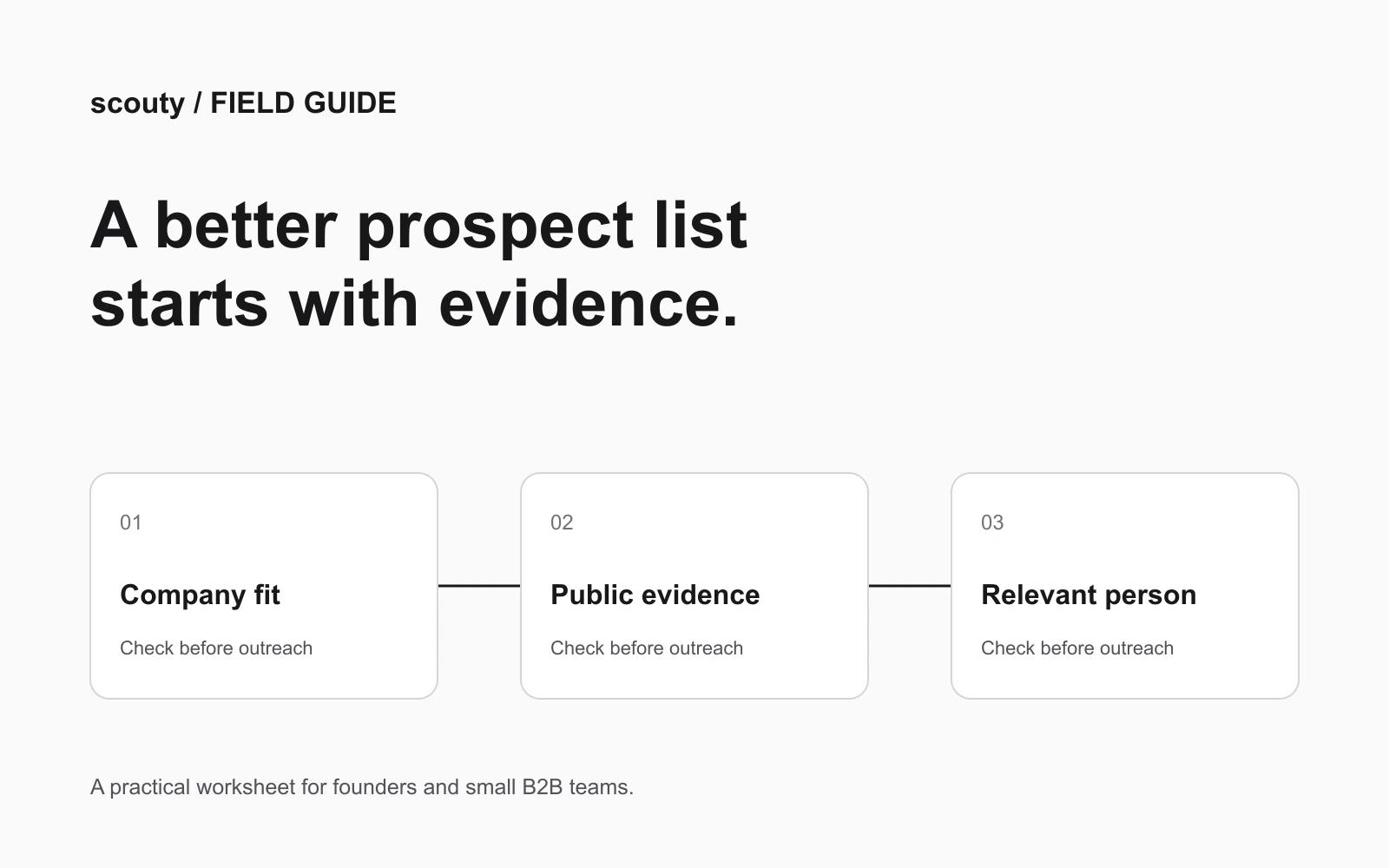
To build a useful B2B prospect list from your website, start with the problem you solve, choose one type of company that has that problem, and record evidence of fit before looking for a person to contact. A short list with a clear reason for every entry is easier to review than a large list of loosely related businesses.
This guide gives founders a practical first-pass worksheet. The examples and review thresholds below are illustrative working rules, not measured Scouty customer results.
1. Turn your website into a buyer hypothesis
Read your homepage, product page and strongest use case. Write one sentence: We help [type of company] achieve [specific outcome] when [situation makes the problem urgent]. If your site describes five different audiences, choose one for this research pass. You can test the others separately.
For example, a small agency offering onboarding email strategy might choose: We help subscription software companies improve their new-user onboarding when the founder no longer has time to write and maintain the email sequence. This is a hypothesis to investigate, not proof that every software company needs the service.
2. Separate the right company from the right person
Company fit and contact relevance are different questions. An ideal customer profile describes the business you want to serve; the buyer persona describes the person involved in the decision. HubSpot’s ICP worksheet makes the same company-level distinction using attributes such as industry, size and technology.
Write three must-have company criteria, one useful timing signal and two exclusions. Then name a likely role that owns the problem. Do not treat a senior job title as proof that someone owns the budget or wants to hear from you.
Illustrative brief: subscription software business; visible self-serve signup; small internal marketing team. Timing signal: a recently launched product or onboarding role. Exclusions: agencies selling the same service and businesses whose product requires no onboarding. First role to research: founder or lifecycle marketing lead, depending on team size.
3. Keep an evidence row for every company
For each candidate, capture the company, website, observed fact, source URL, date checked, reason that fact matters, likely role and next action. Keep observations separate from interpretations. A careers page advertising a lifecycle marketer is an observation; assuming that the existing onboarding is poor is an interpretation you still need to test.
Copy this prospect-review worksheet
Company and website: ____. Segment: ____. Evidence URL and date: ____. What the source actually says: ____. Why it could matter to our offer: ____. What we still do not know: ____. Likely problem owner: ____. Decision: research further / consider outreach / exclude.
Example, fictional company: Cedar Metrics. Observation: its public product page offers a free trial and its careers page lists a lifecycle marketing role. Hypothesis: onboarding may be a current priority. Unknown: whether an outside agency is useful. Next step: check the role description and team page before choosing a contact. None of this establishes purchase intent.
When a promising signal does not meet your criteria
Contrasting example, fictional company: Harbor Ledger. Its homepage advertises a trial, which initially looks relevant to the self-serve software brief above. But its product page explains that every new customer starts with a consultant-led setup, with no self-serve signup. Both observations belong in the evidence row; the word “trial” alone does not establish the onboarding model.
Decision for this campaign: exclude, because visible self-serve signup is a must-have in our brief. This says nothing about Harbor Ledger's budget, interest or value as a business. If the product page is ambiguous instead, mark research further and write the exact question to resolve before choosing a contact. Do not quietly loosen a criterion just to keep a promising name on the list.
4. Review a small batch before expanding
Choose a batch small enough to inspect manually. Ten companies is a practical starting exercise, not an industry benchmark. Mark each entry as supported fit, uncertain fit or excluded. If most are uncertain, improve the company criteria before collecting more contacts.
Use the same questions each time: Can I point to a public source supporting the fit? Can I explain the connection to our offer in one plain sentence? Am I confusing a company signal with personal intent? Is there an obvious reason to exclude this business? Keep uncertain entries in research instead of treating them as ready to contact.
5. Research a relevant person and prepare an honest first message
Only after company review should you choose a role and check the contact details. Record whether an email is verified, uncertain or unavailable; a label does not guarantee delivery. Review the person’s current role and whether your reason for contacting them is relevant.
A useful first-message brief has three parts: the public observation, the specific problem you can help with, and one modest question. Avoid asserting that you know the company’s internal performance. Do not use a researched list as automatic permission to send; check the rules that apply to your audience and respect opt-outs.
Before connecting an inbox, evaluate the tool's evidence and review controls. The companion worksheet helps you inspect approval, follow-up stop rules and missing-data handling before deciding to send.
Where Scouty fits
Scouty starts with your website and helps research matching companies and decision makers. You can begin research without an account, then sign in when you are ready to prepare and send emails. Its public workflow keeps the first email available for your review and supports separately approved follow-ups.
Use the worksheet alongside the results: inspect the evidence, remove poor matches and review the message before sending. Scouty can help you organize the process, but a fit score or generated draft does not replace your judgment and does not guarantee a reply or a meeting.
Questions to answer before your first list is ready
Do I need a large list?
No. Start with a reviewable sample so you can discover whether your criteria find relevant businesses. Expand only after you understand why the selected companies fit.
What if the website does not tell me enough?
Record the gap and research another credible source, or leave the company unqualified. Do not fill missing evidence with a confident-sounding assumption.
What should I measure first?
Track the number of reviewed companies with a documented reason for fit, the number excluded and the unresolved questions. After any authorized outreach, distinguish replies, interested replies and confirmed meetings. They are separate outcomes.
Sources and next step
HubSpot: Ideal Customer Profile worksheet