How to handle a prospect reply before booking a meeting
Use a reply worksheet to separate interest from an agreed time, handle ambiguous messages, honor stop requests and check an invitation before a meeting.
Scouty ·
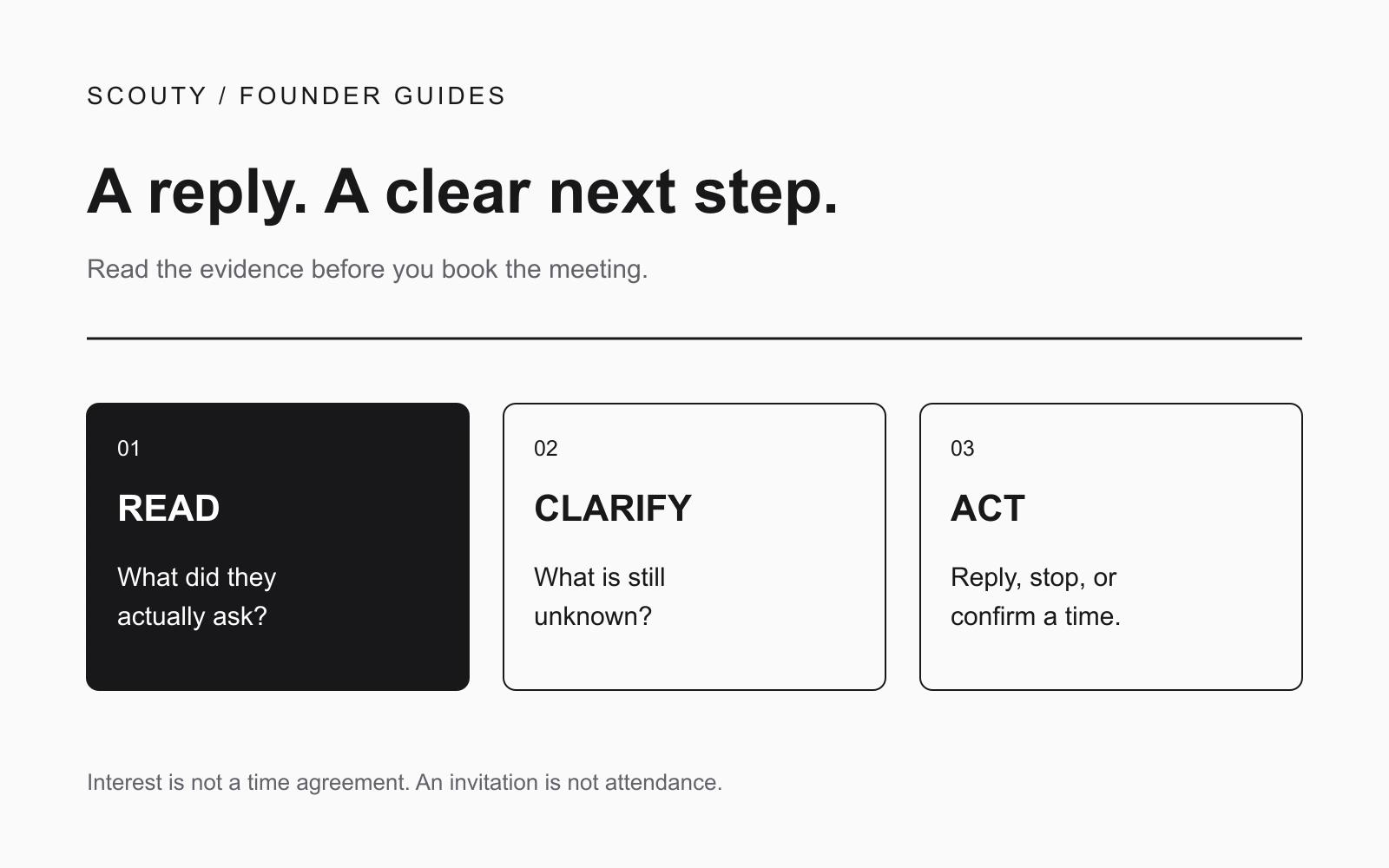
A reply is a reason to read carefully, not an instruction to send a calendar invite. Before booking, establish what the person wants, what remains unclear and whether they agreed to a time. A polite acknowledgement, a referral and an out-of-office message need different next steps.
Use the worksheet below to separate their words from your interpretation. The examples are fictional editorial examples, not customer results. This is a practical review method, not a prediction of who will buy.
Start with what the person actually said
Read the latest message alongside the original email. Copy only the short passage needed to support your next action into your private working notes. Avoid collecting unrelated personal details or sharing the conversation outside the people who need it.
For example, “Send me the details” supports sending relevant information. It does not establish budget, authority or agreement to a meeting. “Thursday works” may establish a day, but leave the date, time and time zone unresolved.
Separate two questions: are they asking to continue the conversation, and have they supplied enough information to schedule it? A positive answer to the first does not resolve the second.
A reply worksheet you can copy
Create one record per conversation with these fields. A spreadsheet or a private note is enough; the worksheet does not depend on a particular CRM.
- Reply evidence: the exact short phrase that matters, with the message date.
- Interpretation: interested, information requested, referral, later, automated response, stop request, or unclear.
- Confidence and missing information: what is explicit, what is inferred, and what you still need to ask.
- Next action: one specific response or internal task, with an owner.
- Outreach status: whether pending follow-ups have stopped; check this separately from your interpretation.
- Booking status: no agreement, clarifying logistics, invitation created, or attendee response received.
Keep interpretation and status separate. “Interested” is your reading of the conversation. “Invitation created” is an observed action. Neither means the person attended or became a customer.
Six replies and the next action they support
1. Interest without a time
Fictional reply: “This could help our team. Can you send an example?”
Record interest in an example, not agreement to a call. Send a concise example that addresses the request. A useful response is: “Here is a sample of the handoff checklist. Is the missing-owner step the part your team is trying to fix?” Do not attach a large sales deck or add a calendar invitation they did not request.
2. A time with an unclear time zone
Fictional reply: “Thursday at ten works.”
Missing information may include the calendar date, time zone and duration. Ask one compact clarification: “Do you mean Thursday 12 November at 10:00 AM Melbourne time for 20 minutes?” Use the real date and location relevant to the conversation; this example is not a reusable default.
Once confirmed, check the connected calendar for that actual interval. If availability cannot be retrieved, leave the status unresolved. Do not treat an error as an empty calendar. If the time is occupied, offer a small set of available alternatives with their dates and time zones.
3. A referral to someone else
Fictional reply: “Our operations lead handles this.”
This identifies a possible role, not the colleague's consent or interest. Ask whether an introduction would be appropriate. If you independently research the role, explain the context accurately and do not imply the original recipient endorsed your product. Keep the original conversation separate from the new person's status.
4. A not-now response
Fictional reply: “We are reviewing this next quarter, not this month.”
Record the timing constraint without inventing a buying commitment. You might ask whether they would like you to check back at a particular time. If they do not agree, do not silently turn the reply into a new automatic sequence. If they do agree, note the requested timing and topic so a future message has a reason to exist.
5. An out-of-office message
Fictional reply: “I am away until Monday.”
An automatic response is not evidence of interest. Review the thread and the actual automation status before deciding anything. Do not book a meeting, interpret the absence as rejection, or contact every person named in the footer. Where further contact is appropriate, account for the stated absence rather than treating it as a trigger to send more messages.
6. A request to stop
Fictional reply: “Please do not contact me again.”
Stop outreach and check for pending messages. Record the restriction in the system used by your team so another campaign does not accidentally restart contact. Do not send a sales rebuttal or ask them to justify the request. A conversation label by itself is not proof that all future sending has stopped.
For sequence design and stopping rules, use the separate follow-up guide.
Work one conversation through the worksheet
Imagine fictional Alder Works replies: “An example would help. I could talk Thursday morning if it looks relevant.”
Reply evidence: an example is requested; a call is conditional. Interpretation: interested in learning more, with only tentative availability. Missing information: which example is relevant and the eventual date, time and time zone. Next action: send the relevant example and let the recipient decide whether to continue. Booking status: no agreed appointment.
After they answer, “Yes, please book Thursday 12 November at 10:00 AM Melbourne time for 20 minutes,” update the evidence and check availability. Confirm the intended attendee and meeting location before creating the invitation. Do not keep using the earlier tentative reply as the source of truth.
Check the invitation without overstating progress
After booking, verify the date, time zone, duration, attendee address and meeting link in the actual event. An event can exist while an attendee has not responded. Google's Calendar Events reference distinguishes event status from attendee responses such as needsAction, tentative, declined and accepted. Even acceptance is not evidence of attendance.
For unavailable calendar data, Google's Freebusy reference describes errors separately from busy intervals. Keep that distinction in your manual review as well as your automation.
When a meeting is agreed, move the useful evidence and open questions into the first-meeting preparation worksheet. Keep the calendar event focused on logistics; do not paste speculative buyer judgments into a shared invitation.
How this fits with Scouty
Scouty starts with your website to research matching companies and decision makers. You can explore research and email previews before signing in; signing in is needed to save work. Review the first email before sending, and review and approve optional follow-up messages in advance.
Scouty's public product guide says any reply stops its follow-up sequence. Still check the actual conversation and pending-message state, particularly after an automated response. A stop request must be honored rather than treated as a new outreach opportunity.
With a Google Calendar connected, Scouty can book a requested time when you are free, or draft alternatives for review when you are busy. Automatic booking can be turned off. This worksheet helps you review ambiguous replies; it is not a claim that every example is automatically classified or resolved by Scouty.
Find relevant prospects with Scouty, then keep each reply tied to a clear, agreed next step. Replies and invitations are intermediate steps, not guaranteed meetings or sales.